The DaycareOn app
Find daycare. Then stay close to it.
Ask for what you need, compare centres with fees up front, track every application, and see your child’s day once they start.

Coming soon to iPhone.Use DaycareOn on the web
From the first search to the first day
- 1
Ask for care the way you’d say it
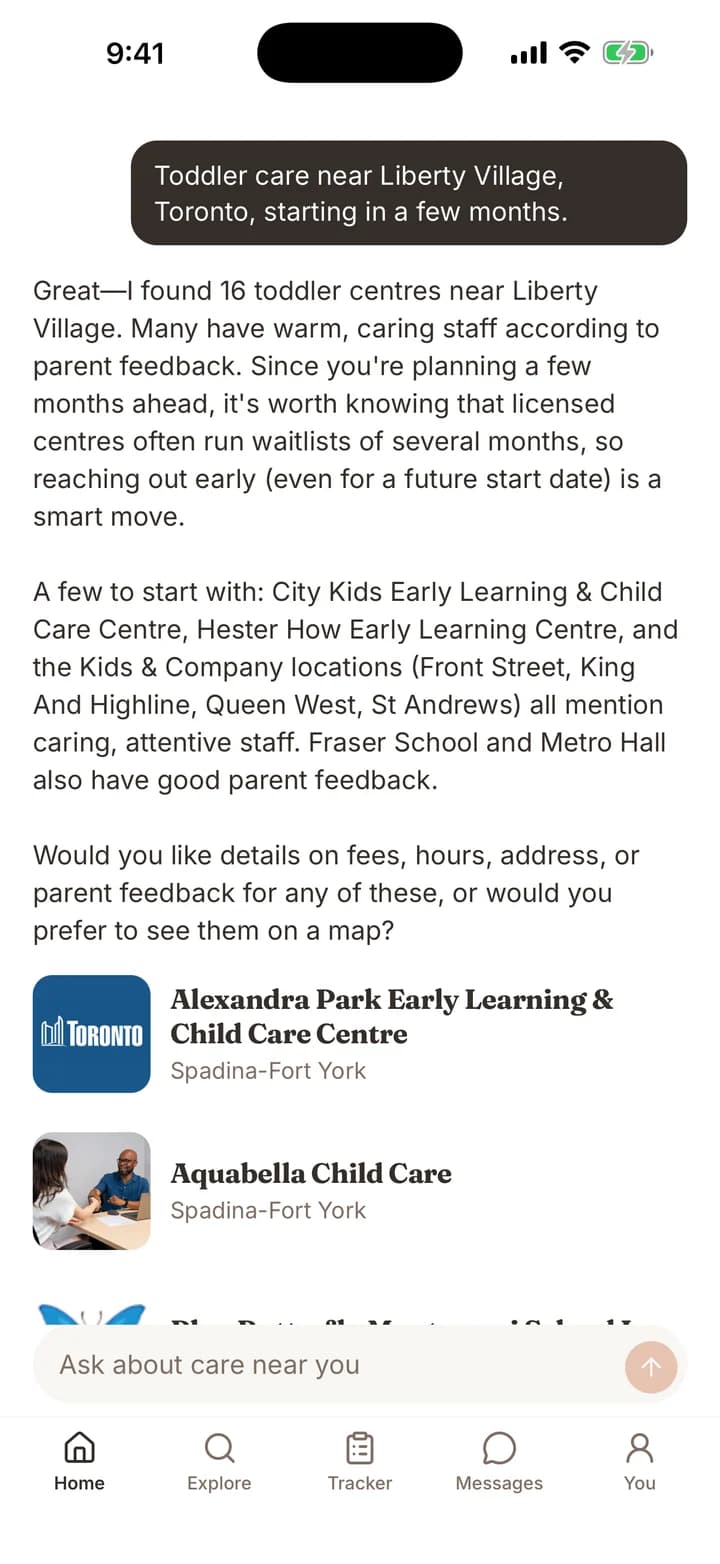
Tell it your child’s age, your area and when you need to start. It searches licensed centres and home daycares nearby, then explains what it found in plain language.
Home
- 2
Know a centre before you call
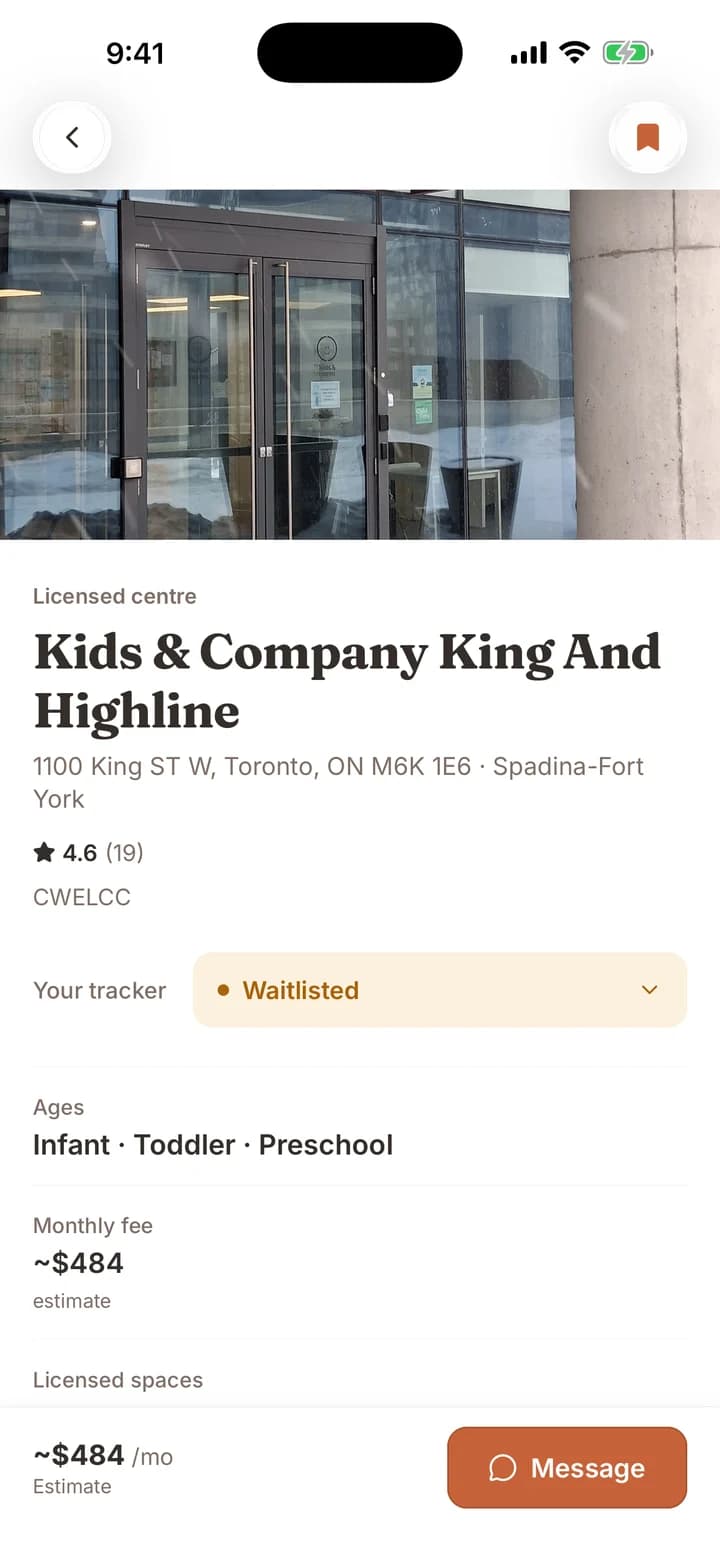
Ages, fees, programs, subsidy and a summary of what parents say in public reviews, on one page. When something isn’t listed, it says so.
Daycare page
- 3
Keep every daycare in one list
Saved, contacted, tour booked, waitlisted. Update each centre as you go, message them from the same place, and see what still needs a follow-up.
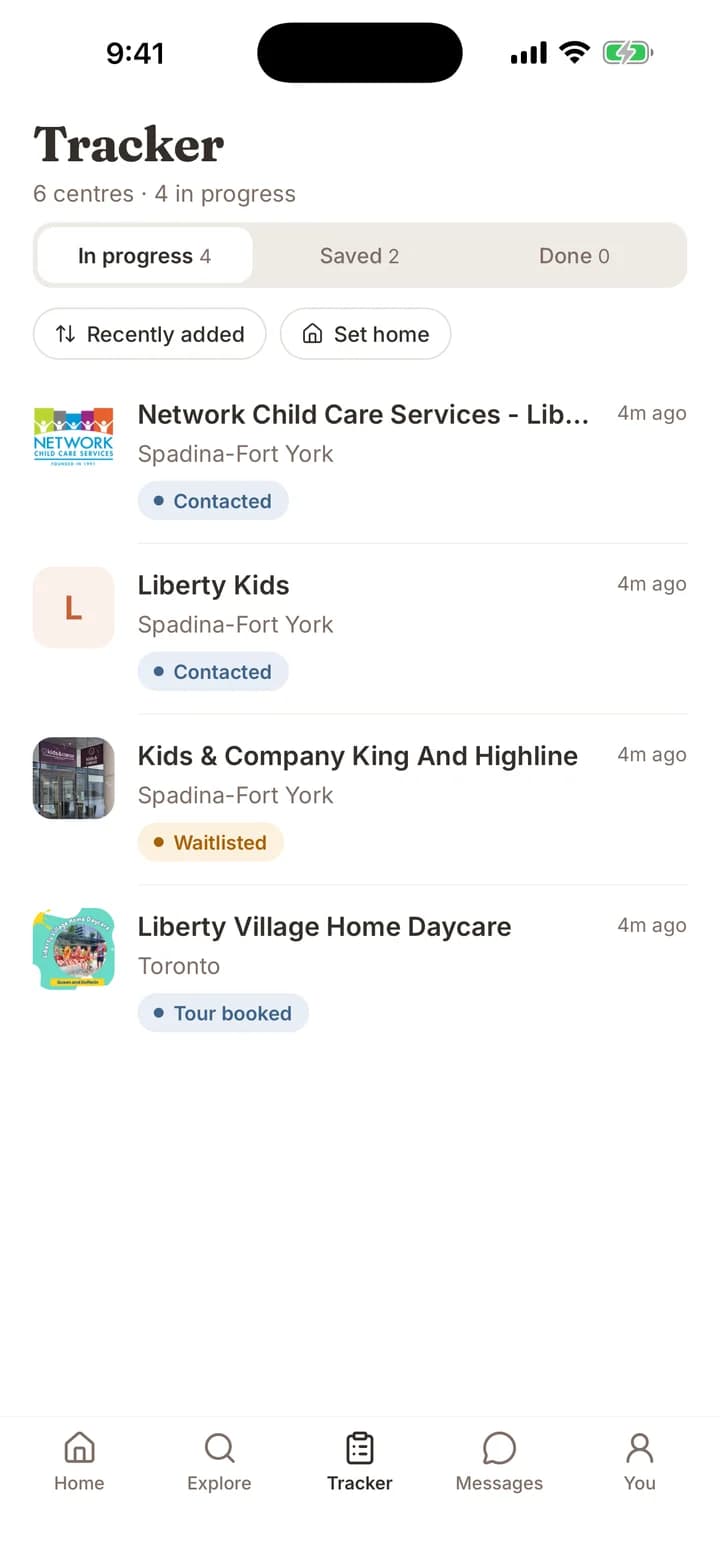
Tracker
For daycare teams
Run the day from the room, not the office
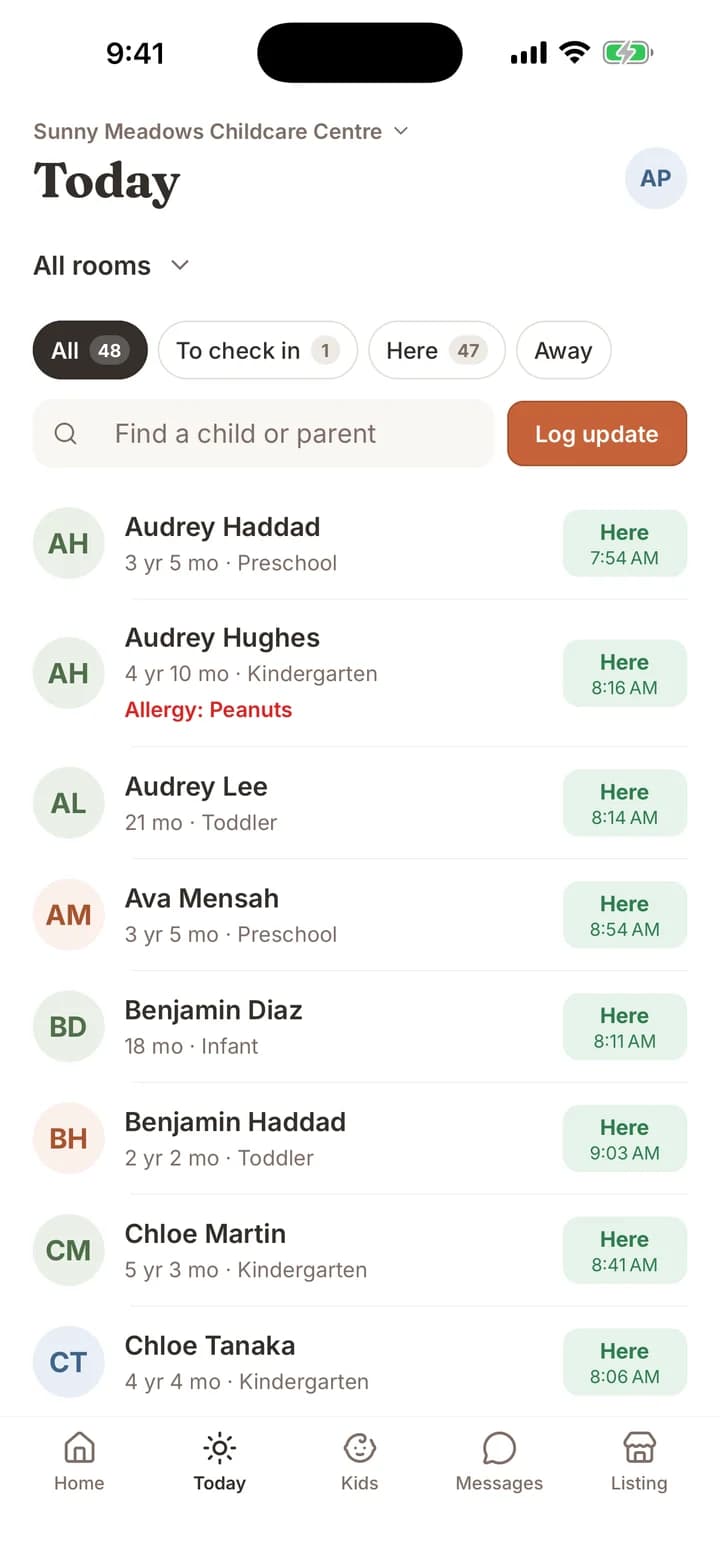
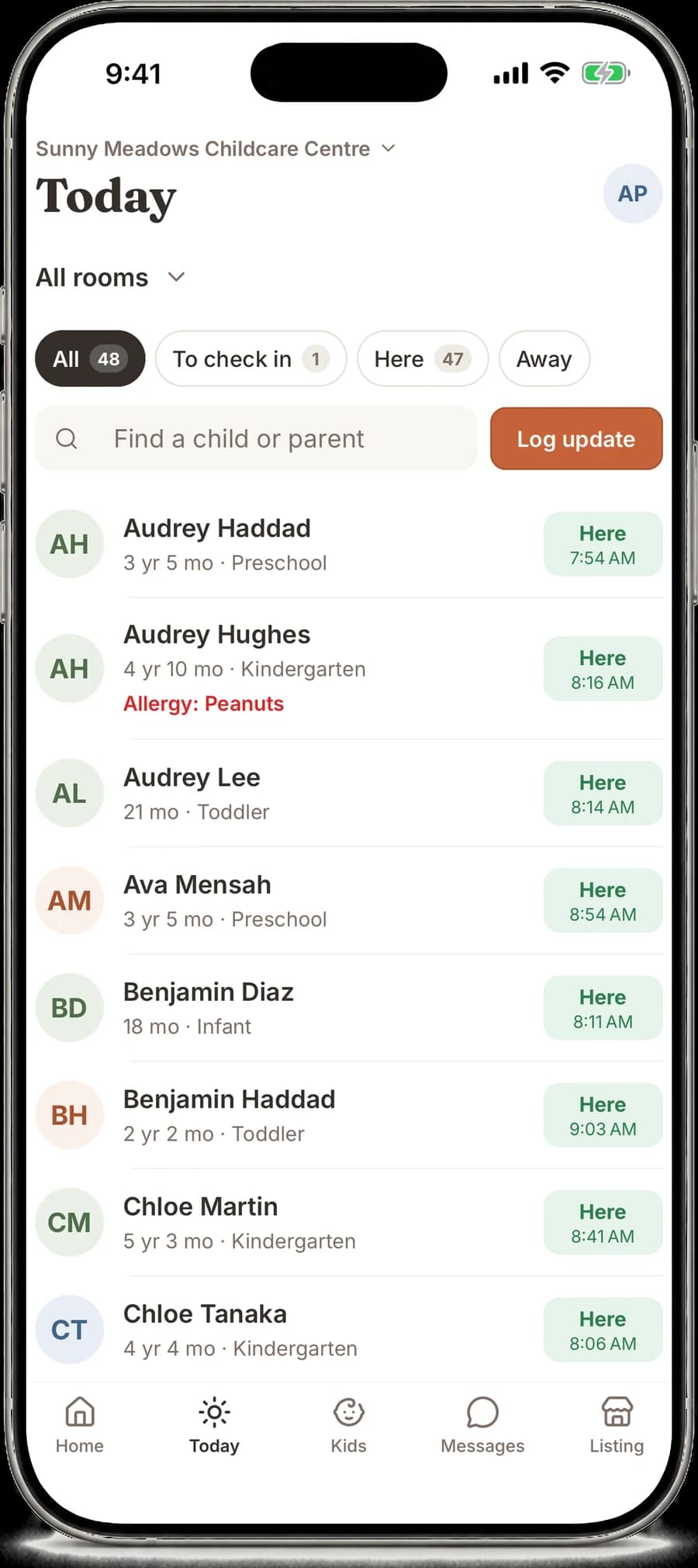
Check-ins at a glance
Who’s here, who’s away and who still needs checking in, room by room. Allergies show beside each child.
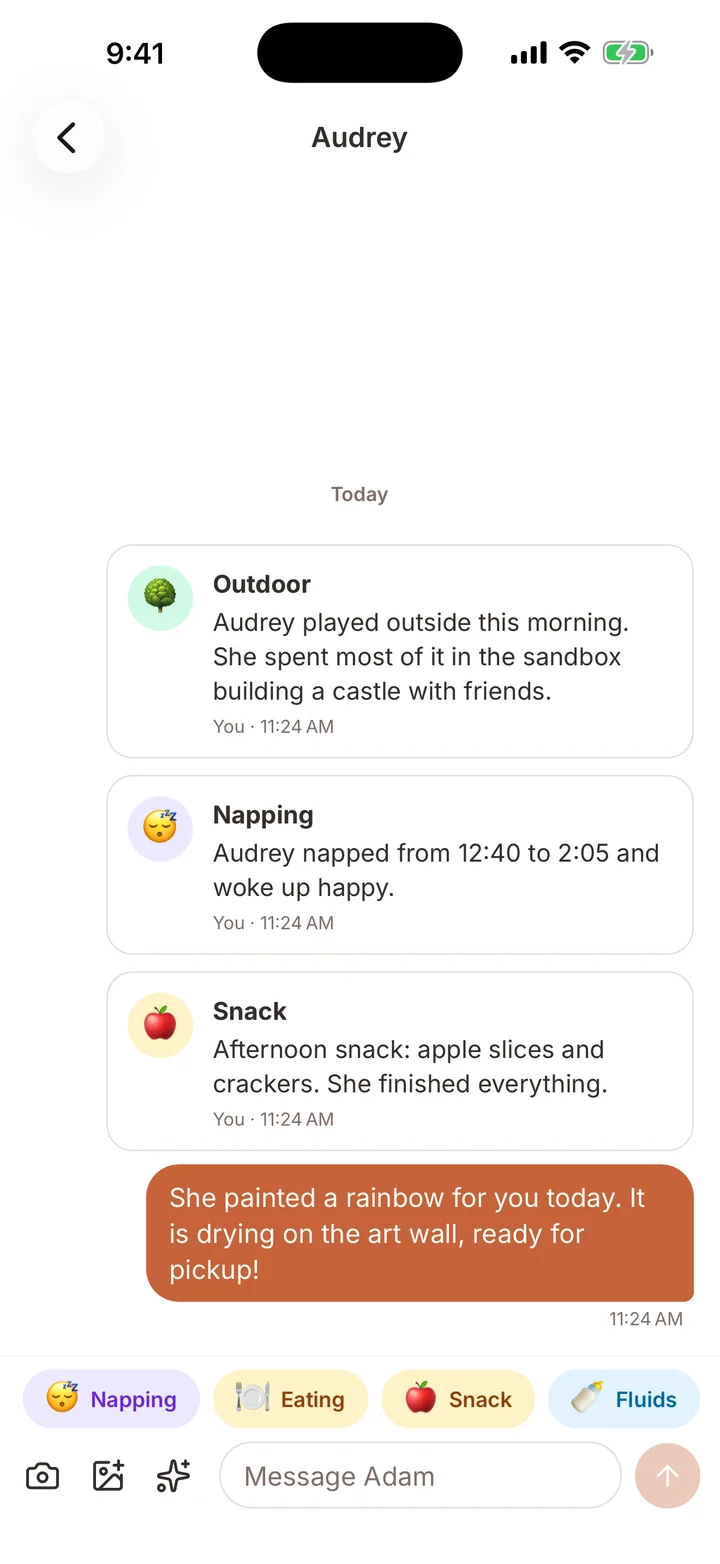
Updates in two taps
Log naps, meals, outdoor time and notes, or send a photo. Families get a notification right away.
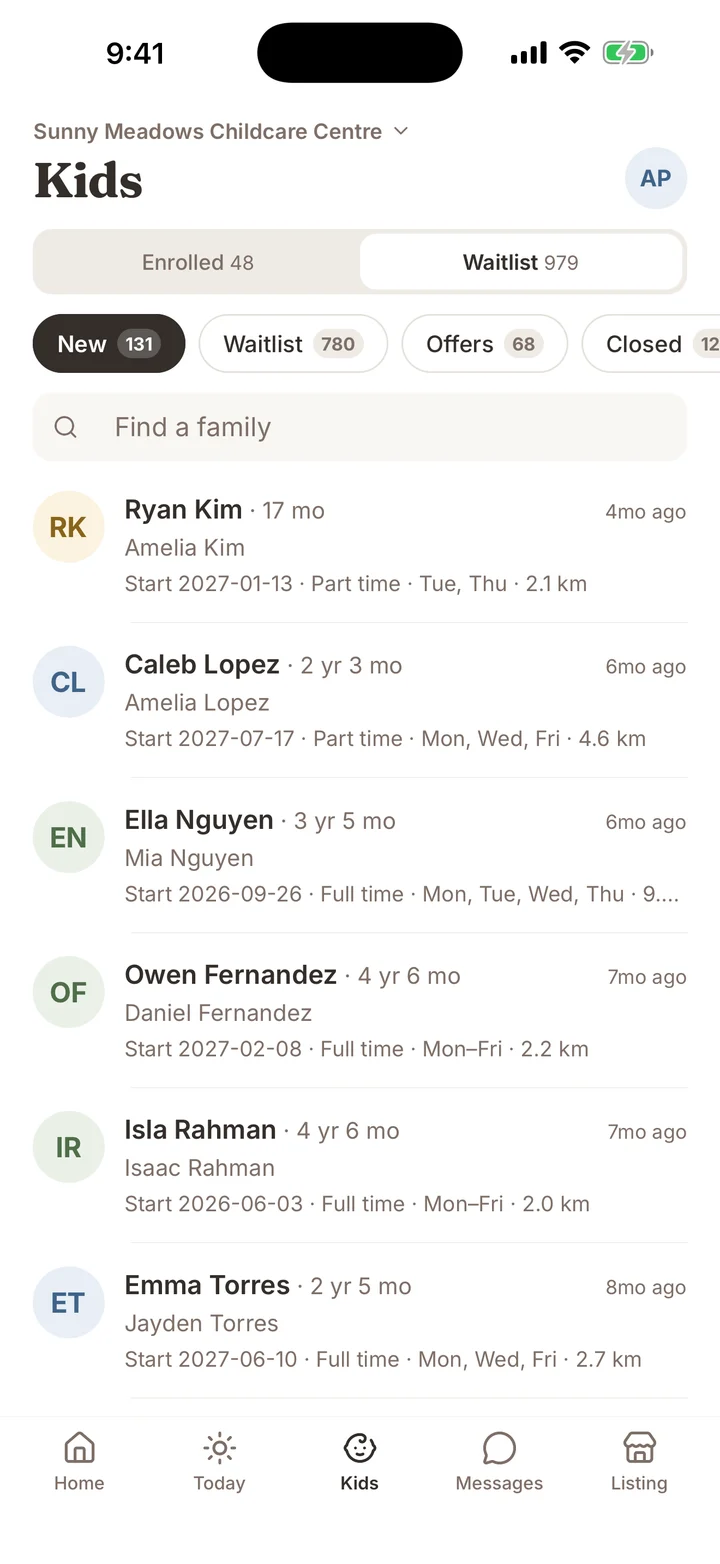
A waitlist you can work
Every application with start date, schedule and distance. Move families from new to offer without a spreadsheet.
Questions
- What does it cost?
- The app is free for families, and listing a daycare is free.
- Is it on Android?
- Not yet. On Android, use DaycareOn in your browser at daycareon.com.
- How do I get updates about my child?
- Your daycare sends them from DaycareOn. Once they add you, updates appear in Messages under Enrolled.
- Where does it work?
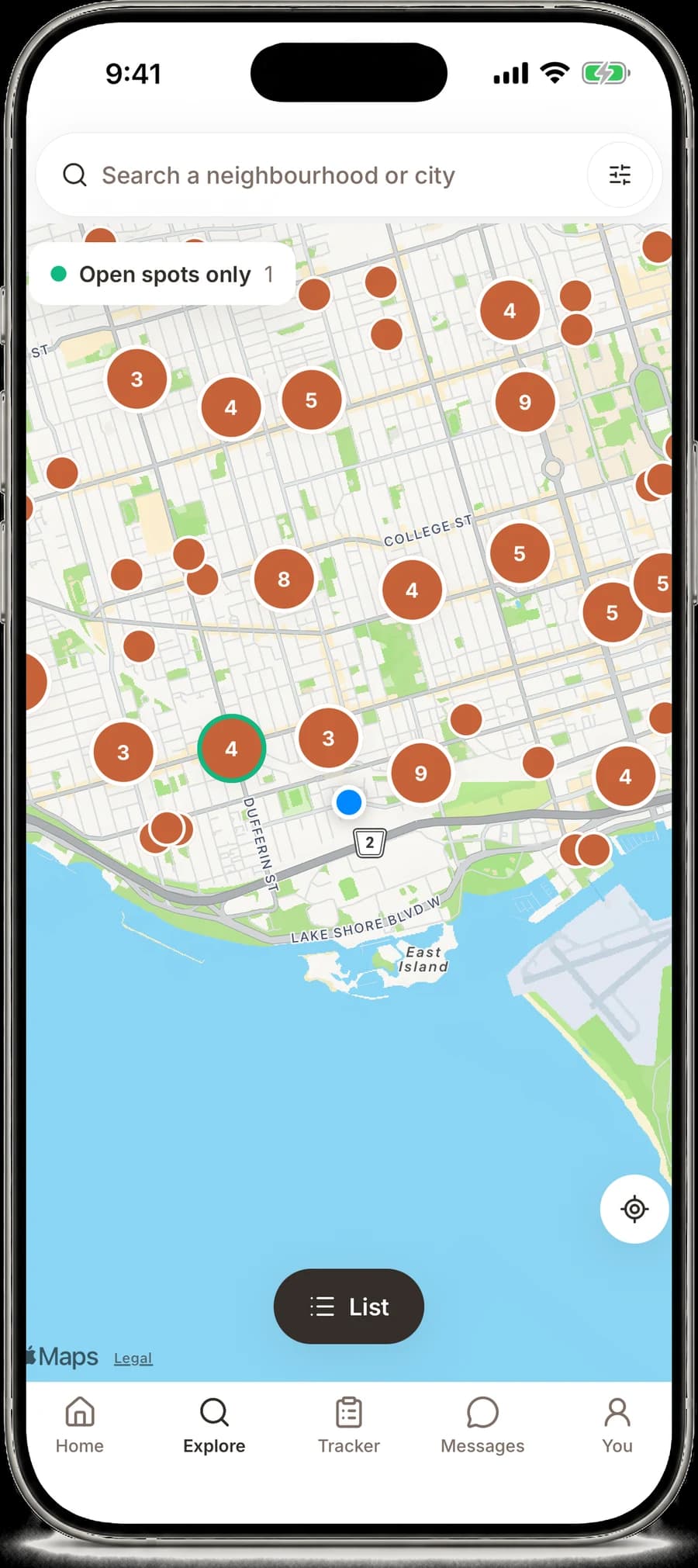
- Across Canada and the US, with more than 200,000 daycares listed.
Your daycare search, on your phone
Coming soon to iPhone.Use DaycareOn on the web